How to Play GTA 6 at 60fps on PS5 and Xbox (Veyra Setup)
GTA 6 has no 60fps mode, but frame generation can show it at 60fps: the Veyra, NitLink and Lossless Scaling setup, what you need, input lag and if it's worth it.
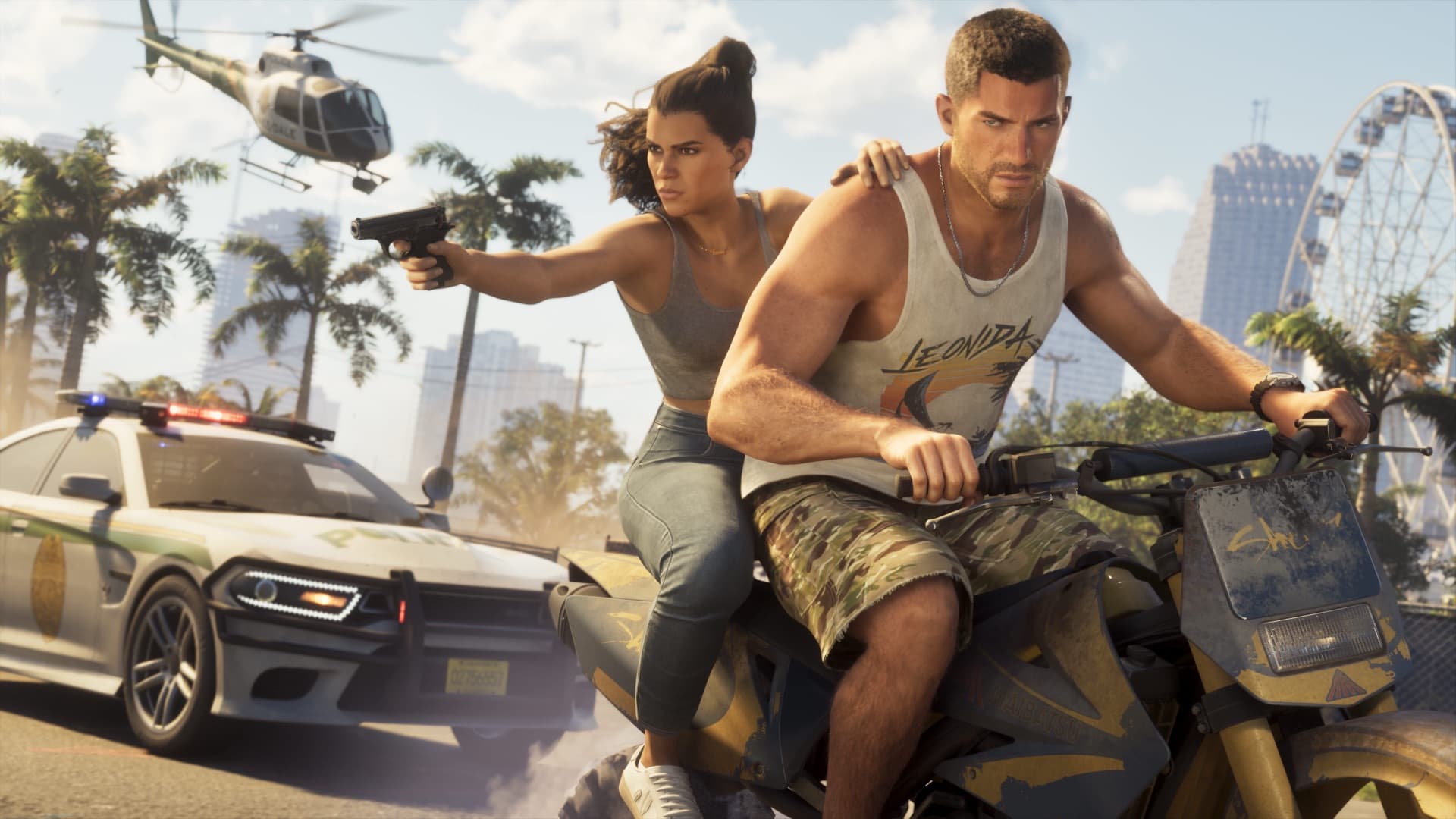
GTA 6 has no 60fps mode on PS5, PS5 Pro or Xbox, but you can see it at 60fps by sending the console's picture through a capture card to a gaming PC that adds frames with Veyra, NitLink or Lossless Scaling. The game itself still runs at 30fps, so it looks smoother without feeling faster, and it adds input lag. Here's how the setup works, what you need and whether it's worth it.
The short answer
- Is there a 60fps mode? No. Rockstar targets 30fps on every console and told Kotaku that neither a 60fps nor a 40fps mode is coming to any launch console. The settings have no performance or graphics mode toggle.
- How do people get 60fps? With PC frame generation: the app creates one frame between each pair of real ones, so 30fps shows as 60.
- Does it change the game? No. Nothing changes on the console or in the game, and it doesn't touch the console's firmware.
- What's the catch? You need a capture card and a capable PC, the picture can smear in fast motion, and there's extra input lag.
Why GTA 6 is locked to 30fps
Frame rates in the open world are mainly limited by the console's processor, not the graphics chip. Rockstar's technology production director Marc Chambers said the PS5 Pro's processor is only slightly faster than the base PS5's and can't run the game's simulation at a higher frame rate. Turning off ray tracing wouldn't help, because the CPU is already maxed out. Full details: why GTA 6 is 30fps on every console.
What you need
- A capture card, such as Elgato's 4K X, 4K Pro or 4K S. The 4K X needs a USB 3.2 Gen 2 port to capture at full resolution.
- A Windows 11 PC with DirectX 12 and a compatible graphics card. Veyra's NVIDIA option runs on RTX 40 and RTX 50 cards; NitLink recommends an RTX 3080 or better.
- A monitor or TV of at least 60Hz.
- A frame generation app: Veyra is free and open source; NitLink's Steam version has frame generation, while its free GitHub version doesn't; Lossless Scaling is paid and needs a viewer like OBS Studio to show the capture card.
How to play GTA 6 at 60fps with Veyra
- Turn off HDCP on the PS5: go to Settings > System > HDMI. If you don't, the capture card shows a black screen.
- Connect the console to the capture card and the capture card to the PC.
- Open Veyra and choose the capture card as the input.
- Turn on frame generation: go to Professional > List > Frame generation, pick NVIDIA VFG and set the multiplier to 2X for 60fps.
- Go fullscreen and check Veyra's output frame rate.
You can set 4X for 120fps, but it tends to cause more ghosting and artifacts, so start with 2X.
No capture card? Veyra has a PS5 Remote Play input that works without one. Its Xbox connection is labelled experimental by the project.
Lossless Scaling route: one method shared by players sends the PS5 picture to the PC at 1080p, upscales it to 1440p in OBS with the LS1 algorithm and turns on LSFG 3.1 at 2x for 60fps.
Is it worth it?
- It doesn't feel like real 60fps. The game's simulation doesn't run any faster, and the console still renders only 30 real frames a second.
- Input lag goes up, because the picture passes through the capture card and the PC first. Cheap capture cards costing $13 to $20 add about 25 to 35 ms on their own, while internal PCIe cards around $200 do better. GTA 6 already has around 180 ms of input lag on Xbox Series X, similar to other Rockstar 30fps games.
- The picture can smear. The app only sees the finished video, not the game's motion data, so it has to guess the in-between frames, which can blur edges in fast camera moves. You'll notice the difference most when driving through the city or turning the camera.
- Driving and aiming suffer most. Notebookcheck argues that GameGPU's PC frame generation setup isn't a practical way to play, because the lag affects steering and aiming, and Remote Play apps have the same problem.
For most players who'd need to buy a gaming PC and a capture card just for this, it isn't worth it. If you already own both, it's a free experiment with Veyra.
The PS5 jailbreak frame rate unlock
An unofficial mod lifts the 30fps cap, but only on jailbroken PS5 consoles. Early PS5 Pro footage suggests it averages closer to 45fps than 60; it's an unlocker, not a steady 60, and it needs a 120Hz display. On a base PS5, demanding scenes can drop into the mid-20s. Because it requires a jailbroken console, it isn't an option for most players.
The Xbox 60fps glitch
On Xbox Series X, a frame rate glitch can push the counter above 30fps in some situations, but it isn't an official mode. Digital Foundry's follow-up test found inconsistent results and problems with gameplay speed. We explain it in our 30fps guide.
Will GTA 6 ever get 60fps?
Not on current consoles, by Rockstar's own account. GTA 5 did get a 60fps mode, but only with its 2022 PS5 and Xbox Series X|S release. The most likely route to native 60fps is the PC version, which Rockstar hasn't announced yet. Don't fall for fan "PC ports" in the meantime: see the unofficial GTA 6 PC port.
Sources
Based on 12 videos and articles. Here are the main ones, with credit to their creators.
- ArticleHow to Play GTA 6 at 60 FPS on PS5 and XboxElgato
- ArticleGTA 6 at 60 FPS: How to Use Veyra Frame GenerationSpace4Games
- ArticleDoes GTA 6 Run at 60 FPS? No: 30 FPS on Every ConsoleHowToPlayHub
- ArticleGrand Theft Auto 6 on PS5 will get 60 FPS through Lossless Scaling FG 3.1 frame generation.GameGPU
- ArticleGTA VI Frame-Rate Unlock Averages Around 45 FPS on PS5 ProVGTimes
Show all 12 sources +Show fewer −
- ArticleRockstar just settled a major question about GTA 6's controversial FPS decisionEngadget
- ArticleGTA 6 60 FPS: PS5, PS5 Pro and Xbox ExplainedGame News Plus
- ArticleGTA 6 PS5 Pro performance jumps to 280 fps on PC, with DLSS 5 transforming LuciaNotebookcheck
- VideoGTA 6 at 60FPS on PS5: The Complete Veyra Setup (Your Questions Answered)Casual
- VideoHow To Play GTA 6 in Smooth 4k 60 FPS on PS5 & Xbox Series X/SSpuddley
- VideoGTA 6’s “60 FPS Glitch” Tested Side by Side on Xbox Series X vs Series SOpen Surprise
- ArticleRockstar Confirms GTA 6 Will Never Get a 60fps Mode on PS5 and Xbox Series X/SComicBook.com
Keep reading
Image: Rockstar GamesGTA 6 Is Out in New Zealand: How to Play Early on PS5 and Xbox
Updated Nov 20, 2026 · 5 min read · 23 sources
 Image: Rockstar Games
Can You Still Cancel a GTA 6 Pre-Order? Refunds on PS5 and Xbox
Nov 7, 2026 · 5 min read · 15 sources
 Image: Rockstar Games
GTA 6 Controls: Full PS5 and Xbox Button Layout
Updated Nov 28, 2026 · 5 min read · 7 sources
 Image: Rockstar Games
GTA 6 Best Settings: What to Change on PS5 and Xbox
Updated Nov 27, 2026 · 4 min read · 8 sources
 Image: Rockstar Games
Best Console for GTA 6: PS5 vs PS5 Pro vs Xbox Series X|S
Updated Nov 16, 2026 · 10 min read · 37 sources
 Image: Rockstar Games
GTA 6 on PS5, PS5 Pro and Xbox: Why It's Locked to 30fps
Updated Nov 27, 2026 · 7 min read · 24 sources