GTA 6 Xbox Bans: Turn Off Auto-Upload for Screenshots Now
GTA 6 players on Xbox report bans after screenshots were auto-uploaded. Why it happens and how to turn off auto-upload in Settings > Capture & Share.
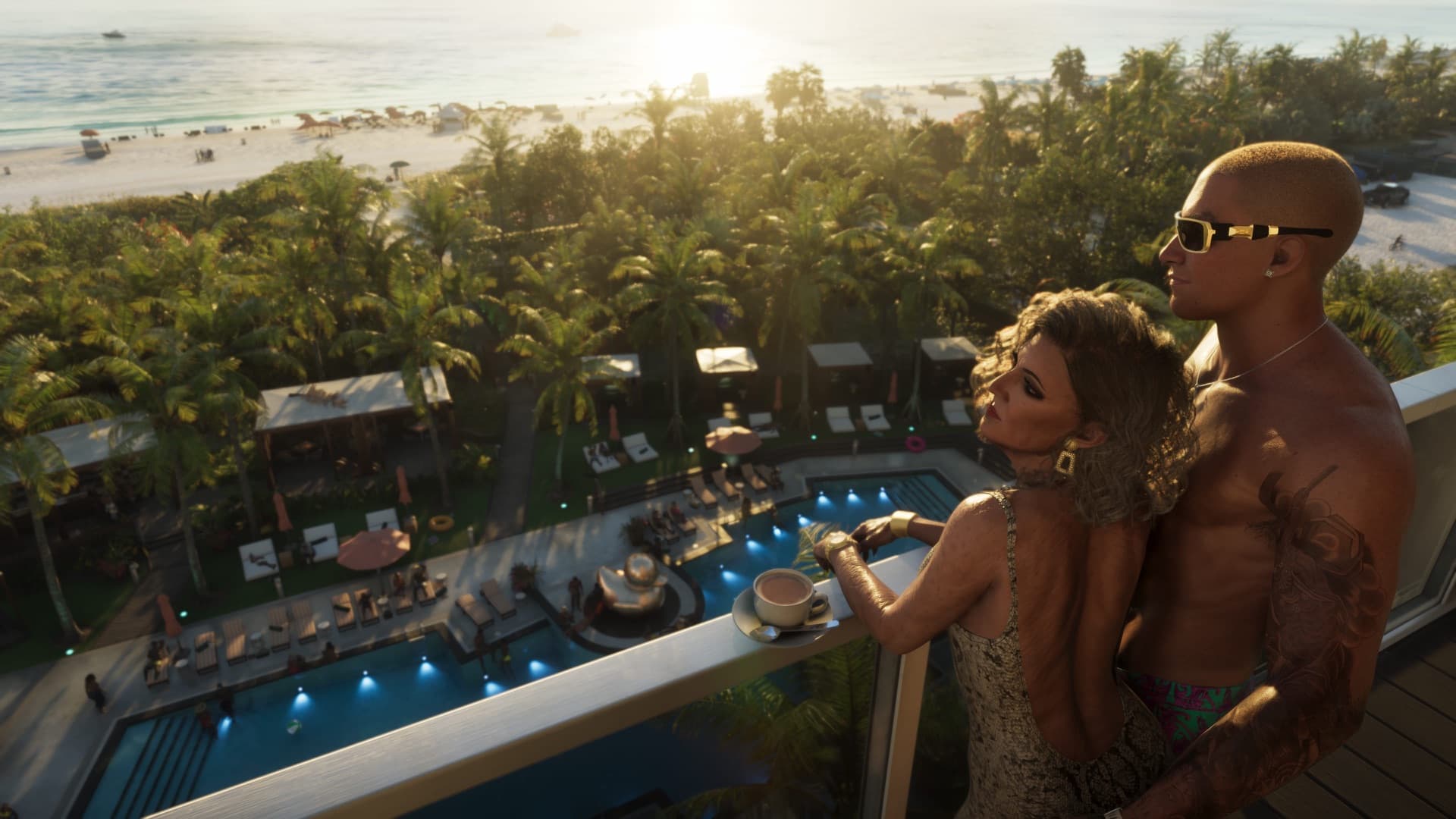
If you play GTA 6 on Xbox, turn off automatic capture uploads now. Players say they've been suspended from Xbox Live after screenshots and clips of the game were uploaded automatically. The setting is on by default, and uploaded captures are checked for content that breaks Xbox's rules. Here's what's happening and how to switch it off in under a minute.
Quick answers
| Question | Answer |
|---|---|
| Why are players being banned? | Captures uploaded automatically were flagged |
| How long are the bans? | Two days in the reported case |
| Has Microsoft or Rockstar commented? | No, not yet |
| How do I stop it? | Settings > Preferences > Capture & Share > Don't upload |
| Does it affect PS5? | No reports so far; this is an Xbox setting |
How to turn off auto-upload on Xbox
- Press the Xbox button and open Settings.
- Go to Preferences > Capture & Share.
- Change Automatically upload to Don't upload.
Your screenshots and clips still save on the console, and you can upload the ones you want by hand.
What happened
The first case to spread came from a Reddit user who said they captured ordinary Vice City beach gameplay, with NPCs in swimsuits and bikinis and "zero nudity", and got a Terms of Service notice and a two-day ban. Reports say the rulings look automated and can't be appealed, and it isn't clear what exactly triggered them. Neither Microsoft nor Rockstar has commented.
Xbox's rules bar captures showing hate speech, drug use, excessive violence, nudity and sexual content, and GTA 6 has plenty of all of it, including full-frontal nudity in some scenes. So the advice is simple: don't hammer the capture button in those moments, and don't let the console upload everything for you.
It happened before with Baldur's Gate 3
In early 2024, Xbox suspended Baldur's Gate 3 players whose clips of the game's romance scenes were uploaded automatically. Microsoft said each clip was reviewed by a moderator, not banned automatically. Auto-upload is still on by default today.
While you're in the settings, see our best GTA 6 settings guide for the HDR, aiming and camera options worth changing.
Sources
Based on 3 videos and articles. Here are the main ones, with credit to their creators.
Keep reading
 Image: Rockstar Games
GTA 6 Best Settings: What to Change on PS5 and Xbox
Updated Nov 21, 2026 · 3 min read · 7 sources
 Image: Rockstar Games
GTA 6 Is Out in New Zealand: How to Play Early on PS5 and Xbox
Updated Nov 20, 2026 · 5 min read · 23 sources
 Image: Rockstar Games
GTA 6 Controls: Full PS5 and Xbox Button Layout
Nov 19, 2026 · 4 min read · 5 sources
 Image: Rockstar Games
GTA 6 on Xbox Series S: 720p, FSR 4 and Real Performance
Updated Nov 18, 2026 · 6 min read · 28 sources
 Image: Rockstar Games
Best Console for GTA 6: PS5 vs PS5 Pro vs Xbox Series X|S
Updated Nov 16, 2026 · 10 min read · 37 sources
 Image: Rockstar Games
Can You Still Cancel a GTA 6 Pre-Order? Refunds on PS5 and Xbox
Nov 7, 2026 · 5 min read · 15 sources