GTA 6 Photo Mode: How to Use Photo Studio and Where Photos Save
How to open GTA 6's photo mode, Photo Studio: buttons, lighting and filter tools, limits, where pictures are saved on PS5 and Xbox, and how to take selfies.
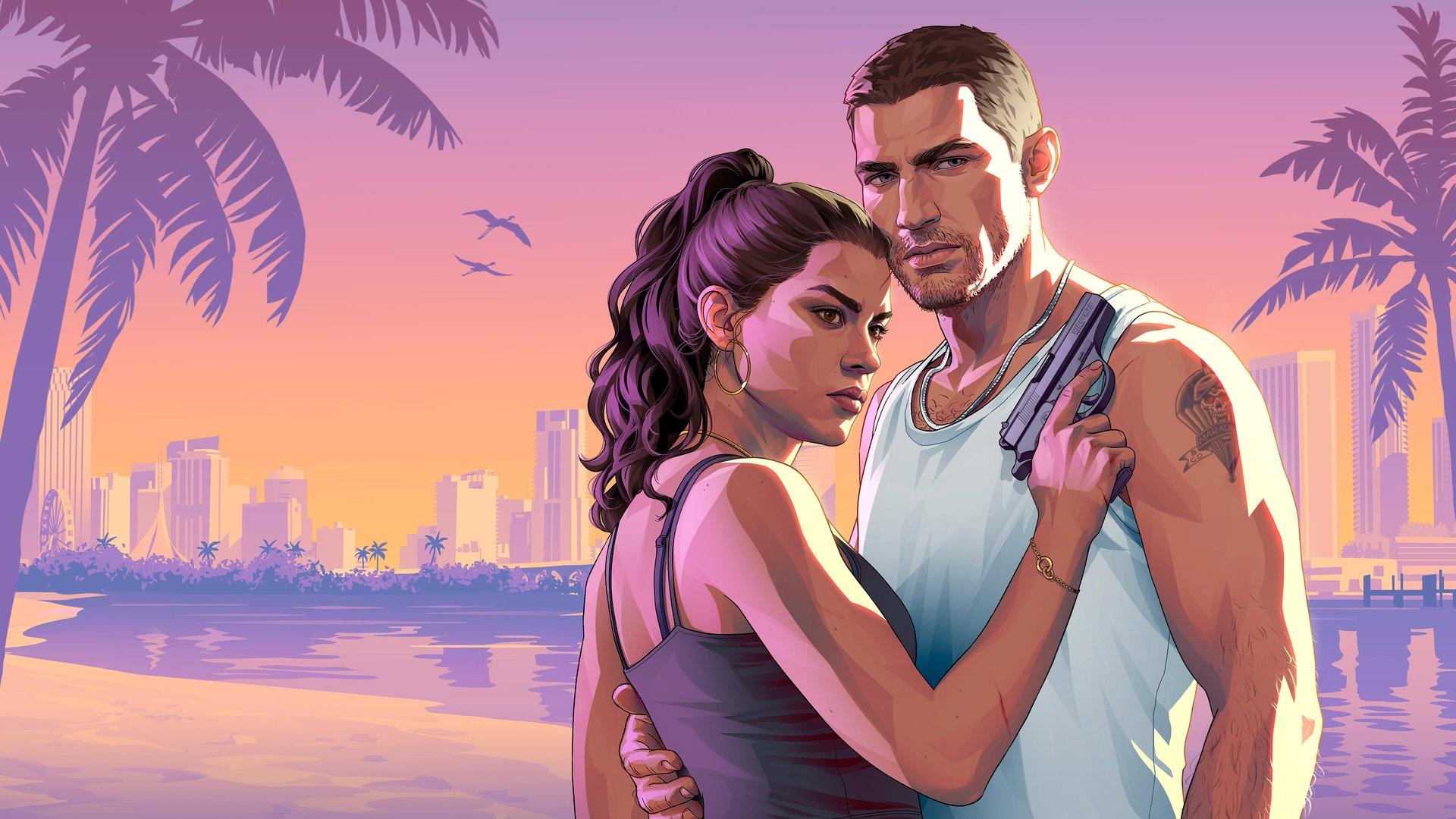
GTA 6's photo mode is called Photo Studio, and you can open it from the pause menu at any time. It's there from the very first minutes of the prologue, no unlock needed, and players have called its lighting tools a "cinematography simulator". Here's how to open it, what every tool does, where your shots are saved, and how to take selfies with the phone.
Quick answers
| Question | Answer |
|---|---|
| Does GTA 6 have a photo mode? | Yes, it's called Photo Studio |
| How do I open it? | Pause, then Square (PS5) or X (Xbox), or scroll to Photo Studio |
| When does it unlock? | From the prologue |
| Can I change the weather or time? | No |
| Where are the photos saved? | Your console's media gallery, not the in-game phone |
How to open Photo Studio
- Pause the game with Options (PS5) or Menu (Xbox).
- Press Square on PS5 or X on Xbox, or scroll down the pause menu to Photo Studio.
- Frame the shot, then hold the confirm button or choose Save Photo.
It also works during cutscenes, but some options are greyed out as "currently unavailable".
Every Photo Studio tool
- Camera: move it freely, change aspect ratio and exposure, and add grain.
- Depth of field: blur the background or foreground for a real-camera look.
- Lighting: add up to five lights and set their colour, intensity, size and beam angle. This is the tool people are most excited about.
- Filters and colour: 17 filters, a colour palette and a vignette.
- Hide your character for clean landscape shots.
What you can't do: change the time of day or the weather, or change Jason and Lucia's poses and facial expressions, at least for now. To shoot at sunset, skip time by sleeping first.
Where Photo Studio pictures are saved
They don't go to the phone's Gallery app. Photo Studio saves to your console's media gallery:
- PS5: open Media Gallery from the home screen (or find it in your Game Library).
- Xbox: My Games & Apps > Apps > Captures.
On Xbox, check your upload setting first. Captures upload automatically by default, and some players say they were banned after GTA 6 shots were flagged. Our Xbox ban guide shows how to turn it off.
Selfies and the phone camera
For quick shots without pausing, use the phone:
- Press D-pad Up and open the Camera app.
- Switch to the front camera for a selfie.
- Pick a pose and expression (Jason has six poses and seven expressions), then Take Photo. If your partner is with you, you can change their pose too.
The rear camera has up to 5x zoom, grid lines and 17 filters, and phone photos end up in the phone's Gallery app. The Snapmatic app lets you scroll other people's posts, like them, read comments and mark a post's location on your map, but you can't post yourself. Our phone apps guide covers the rest.
Sources
Based on 4 videos and articles. Here are the main ones, with credit to their creators.
Keep reading
 Image: Rockstar Games
GTA 6 First-Person Mode: How to Use It (and the Glitch)
Updated Nov 20, 2026 · 2 min read · 9 sources
 Image: Rockstar Games
GTA 6 Best Settings: What to Change on PS5 and Xbox
Updated Nov 21, 2026 · 3 min read · 7 sources
 Image: Rockstar Games
GTA 6 Is Out in New Zealand: How to Play Early on PS5 and Xbox
Updated Nov 20, 2026 · 5 min read · 23 sources
 Image: Rockstar Games
GTA 6 Controls: Full PS5 and Xbox Button Layout
Nov 19, 2026 · 4 min read · 5 sources
 Image: Rockstar Games
Best Console for GTA 6: PS5 vs PS5 Pro vs Xbox Series X|S
Updated Nov 16, 2026 · 10 min read · 37 sources
 Image: Rockstar Games
Can You Still Cancel a GTA 6 Pre-Order? Refunds on PS5 and Xbox
Nov 7, 2026 · 5 min read · 15 sources